Main caveat
It is excellent for websites and memberships, but it is not a full relational app backend like Bubble, Lovable, or a dedicated backend.
Selected profile
Marketing sites, content sites, branded startup websites, and design-forward launches that need SEO.
Visit official siteDirect answer
Marketing sites, content sites, branded startup websites, and design-forward launches that need SEO.
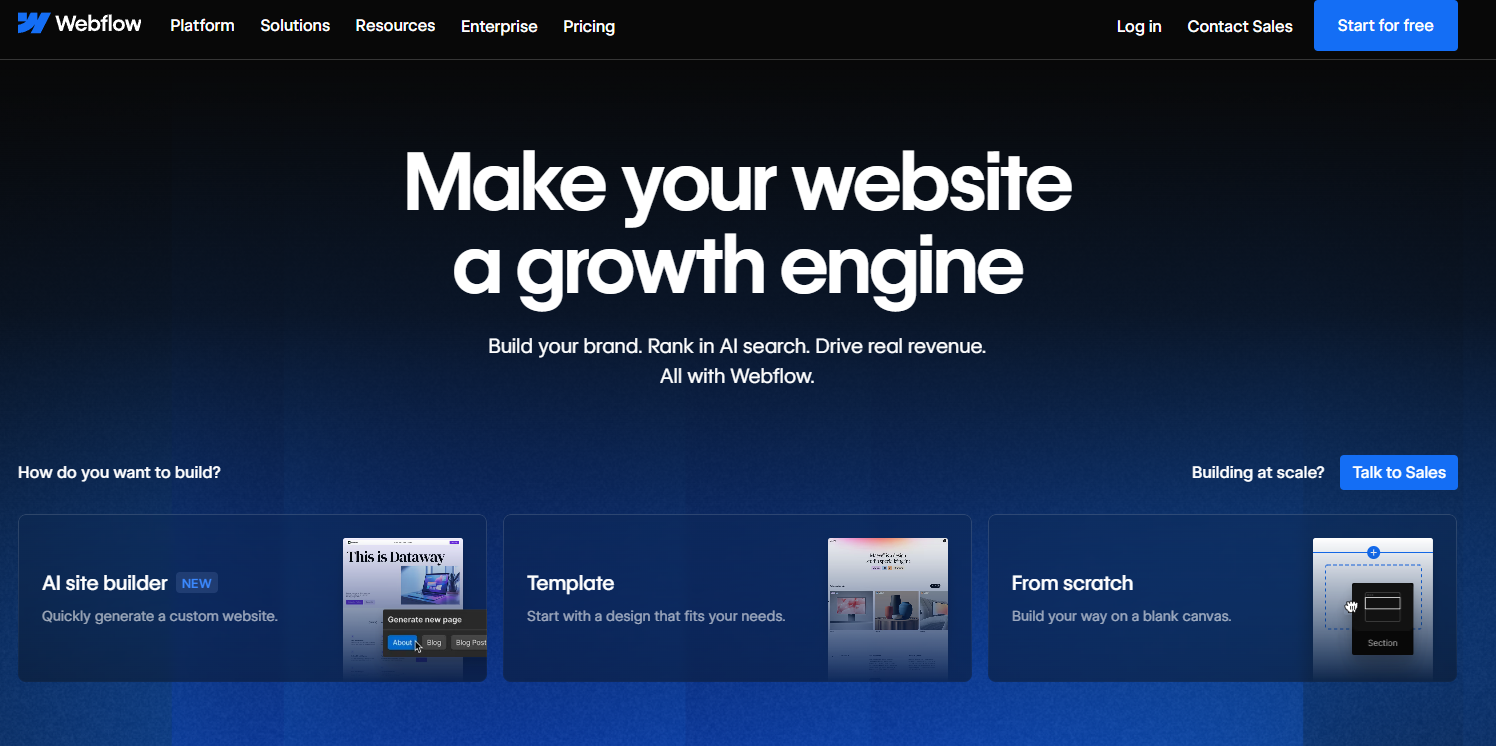
Marketing sites, content sites, branded startup websites, and design-forward launches that need SEO.
It is excellent for websites and memberships, but it is not a full relational app backend like Bubble, Lovable, or a dedicated backend.
webflow.com, help.webflow.com
| Buying signal | Radar note |
|---|---|
| Technical comfort | No. |
| Data storage path | Native, but mostly CMS/content-oriented rather than a general relational app database. Great for content and forms, less ideal for complex app data models. |
| Experiment setup | Native. Webflow Optimize provides experimentation/personalization capabilities. |
| Payments or commerce | Native. Webflow has its own ecommerce product. |
| Ad monetization path | Third-party/manual. |
| Search visibility | Native and strong. SEO is one of Webflow’s biggest strengths. |
| Traffic and product measurement | Native. Webflow Analyze is first-party. |
| Natural-language creation | Yes. Webflow AI can generate sites from prompts. |
| Natural-language iteration | Partial. AI helps, but visual editing remains central. |
| Public launch without domain purchase | No. You can publish to a staging Webflow URL first; a custom domain is optional for the branded version. |
| Release workflow | Publish to a webflow.io staging URL or to your own custom domain with a site plan. |
| Interactive or game-style builds | No. |
| Stored form submissions | Yes. Forms can save submissions, but Webflow is not a full survey platform or app backend. |
| Multiple-user experiences | Limited/partial. User Accounts and memberships exist, but full SaaS-style app logic is not the core product. |
| Sharing handoff | Easy. |
No.
Native, but mostly CMS/content-oriented rather than a general relational app database. Great for content and forms, less ideal for complex app data models.
Native. Webflow Optimize provides experimentation/personalization capabilities.
Native. Webflow has its own ecommerce product.
Third-party/manual.
Native and strong. SEO is one of Webflow’s biggest strengths.
Native. Webflow Analyze is first-party.
Yes. Webflow AI can generate sites from prompts.
Partial. AI helps, but visual editing remains central.
No. You can publish to a staging Webflow URL first; a custom domain is optional for the branded version.
Publish to a webflow.io staging URL or to your own custom domain with a site plan.
No.
Yes. Forms can save submissions, but Webflow is not a full survey platform or app backend.
Limited/partial. User Accounts and memberships exist, but full SaaS-style app logic is not the core product.
Easy.
Compare it against tools in the same buyer path, especially the feature chart and all-reviews index.